Top 10 Must-Have Hermes Agent Skills to Supercharge Your AI Worker
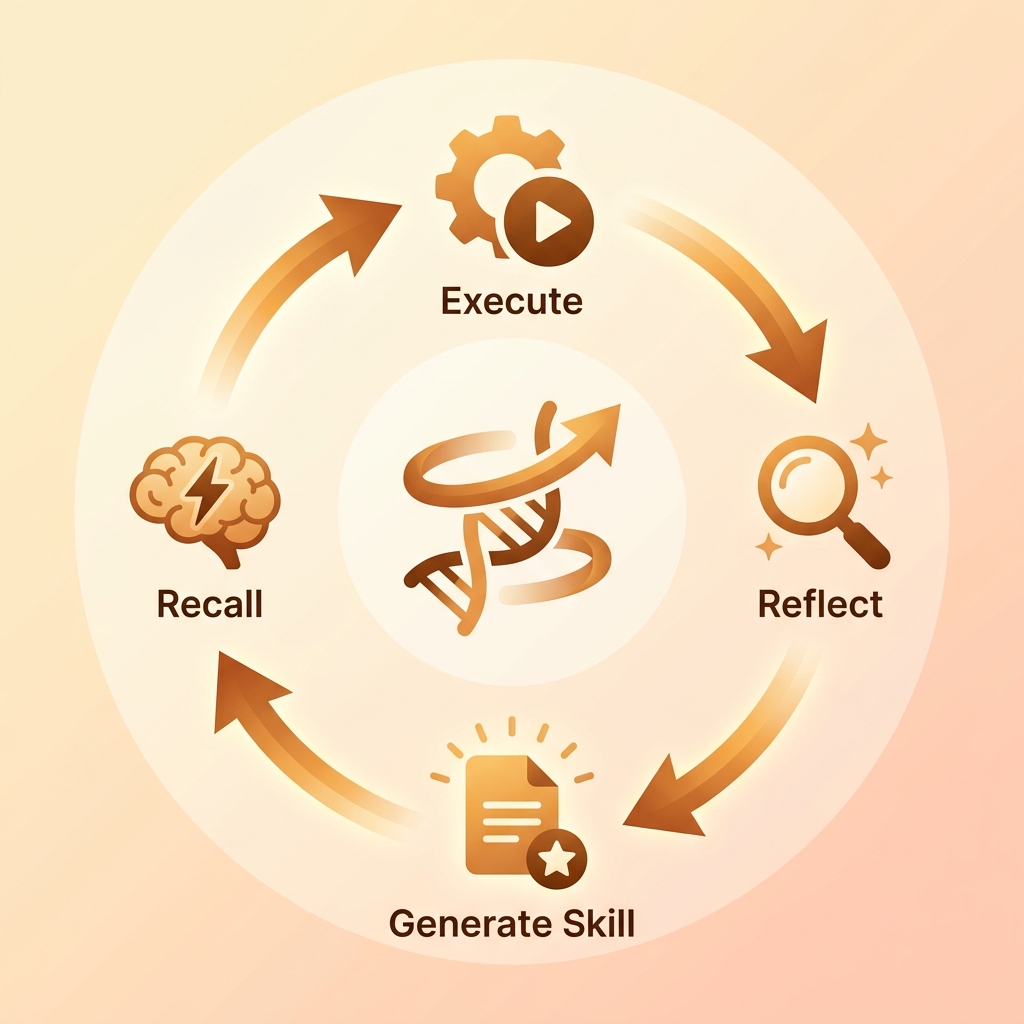
Out of the box, Hermes Agent is a brilliant thinker. It can reason, plan, and hold complex contexts. However, without "Skills," it is like a genius locked in a room—unable to interact with the outside world. Skills (often referred to as tools or plugins) are the hands and eyes of your AI agent. They grant Hermes the ability to read your local files, push code to GitHub, search the live web, or send messages to your team.
Choosing the right skills is the difference between a novelty chatbot and a high-performing autonomous AI worker. The true value of an AI assistant lies not in installing every available tool, but in equipping it with high-leverage skills that perfectly match your daily workflow.
In this comprehensive guide, we've curated the top 10 must-have skills for Hermes Agent, neatly categorized into Coding, Web & Research, Communication, and Productivity. Whether you are a developer looking to automate code reviews or a project manager streamlining reports, these skills will supercharge your AI worker.
🛠️ Category 1: Coding & Version Control
For software engineers, giving your AI agent the ability to read code, manage versions, and interact with remote repositories is a game-changer. These skills transform Hermes from a simple code generator into a proactive pair programmer.
1. GitHub Integrator
The GitHub Integrator skill is arguably the most critical tool for any development-focused agent. It allows Hermes to read issues, create pull requests, review code, and manage repository settings directly.
Why it's useful: Instead of manually copying and pasting error logs from a GitHub Issue into a chat window, you can simply ask Hermes: "Please review Issue #42, find the bug in our codebase, and open a PR to fix it." The agent will fetch the issue details, analyze the local code, make the changes, and push a PR—all autonomously. How to install:hermes skill install github-integrator
2. Git Assistant
While the GitHub skill handles the remote repository, the Git Assistant manages your local version control. It empowers Hermes to stage files, commit changes, switch branches, and resolve merge conflicts.
Why it's useful: It keeps your workspace clean and organized. When Hermes makes complex refactoring changes across multiple files, you can instruct it to "commit these changes with a descriptive conventional commit message." The agent will analyze its own diffs and write a perfect, standard-compliant commit message. How to install:hermes skill install git-cli
3. Code Linter & Formatter
Writing code is one thing; writing maintainable code is another. This skill allows Hermes to run popular linters (like ESLint, Ruff, or Clippy) and formatters (like Prettier or Black) on your codebase.
Why it's useful: It guarantees that all code generated or modified by Hermes adheres strictly to your project's established style guides. You can set up a workflow where Hermes automatically lints its own work before presenting it to you for review, drastically reducing the time spent on formatting nitpicks. How to install:hermes skill install lint-format
🌐 Category 2: Web & Research
An AI agent whose knowledge stops at its training cutoff date is severely limited. Web and research skills give Hermes real-time access to the internet, allowing it to gather up-to-date information, read documentation, and scrape data.
4. Advanced Web Search (Google/Tavily)
This skill connects Hermes to search engines like Google Search API or Tavily (which is optimized for AI agents), enabling it to query the live web.
Why it's useful: When encountering a new, undocumented error in a recently updated framework, Hermes can search Stack Overflow, GitHub Issues, and official documentation to find the solution. It ensures your agent is never stuck on outdated information. How to install:hermes skill install web-search
5. Web Scraper & Browser
Sometimes, search results aren't enough. The Web Scraper skill (often powered by Playwright or Puppeteer) allows Hermes to actually "visit" websites, render JavaScript, read page content, and extract structured data.
Why it's useful: If you need Hermes to summarize a specific long-form article, extract pricing data from a competitor's website, or read the latest API documentation that isn't indexed well by search engines, this skill provides the necessary deep-dive capabilities. How to install:hermes skill install web-scraper
💬 Category 3: Communication
AI agents aren't just personal assistants; they can be integrated team members. Communication skills allow Hermes to interact with human colleagues, report statuses, and alert you when tasks are completed.
6. Slack Integrator
Integrates Hermes directly into your Slack workspace. It can read messages in designated channels, reply in threads, and send direct messages.
Why it's useful: You can set up an asynchronous workflow where Hermes runs overnight tests or data analysis. Once finished, it can ping you on Slack with a summary report. Alternatively, your team can tag Hermes in a Slack channel to ask questions about the project architecture without leaving their communication hub. How to install:hermes skill install slack-bot
7. Telegram Bot Manager
For a more lightweight and personal communication channel, the Telegram skill allows you to control and receive updates from Hermes via Telegram messages.
Why it's useful: It's perfect for on-the-go management. You can text your agent from your phone: "Did the build pass?" or "Please deploy the staging branch," and receive instant updates wherever you are. How to install:hermes skill install telegram-bot
🚀 Category 4: Productivity & Local Operations
To be truly autonomous, Hermes needs full access to your local environment and organizational tools. These skills bridge the gap between AI reasoning and actual desktop execution.
8. Notion Workspace Sync
Connects Hermes to your Notion databases and pages. It can read project requirements, update Kanban boards, and generate comprehensive documentation.
Why it's useful: Imagine asking Hermes to "read the PRD for the new authentication feature in Notion, and then generate the initial boilerplate code." Or, after fixing a bug, instructing it to "update the Notion bug tracker ticket to 'Resolved' and add a summary of the fix." It seamlessly connects your project management with your code execution. How to install:hermes skill install notion-sync
9. Local File System Manager
This is arguably the most foundational skill. It gives Hermes the ability to read directories, create files, edit existing code, and move assets around your local machine.
Why it's useful: Without this, Hermes cannot write code to your disk. It allows the agent to navigate complex monorepos, search for specific string patterns across thousands of files using grep, and perform surgical multi-file refactoring securely. How to install:hermes skill install fs-manager
10. CLI Executor (Shell Command)
Grants Hermes the power to execute arbitrary shell commands (Bash, PowerShell, Zsh) on your machine.
Why it's useful: This is the ultimate "escape hatch" skill. If Hermes needs to install an npm package, run a Python script, compile a Rust binary, or restart a local server, the CLI Executor makes it possible. Because of its immense power, it should always be used with user confirmation prompts enabled to ensure security. How to install:hermes skill install cli-runner
Conclusion & Next Steps
Equipping your Hermes Agent with these 10 skills will dramatically increase its autonomy and usefulness. However, remember the golden rule of AI agents: Install skills based on actual workflow needs, not just out of curiosity. Start with read-only skills (like Web Search and File System Manager), and gradually introduce write capabilities (like GitHub PRs and CLI Execution) as you build trust in your agent's behavior.
Ready to start building and equipping your own AI assistant?Don't stop here! Dive into our comprehensive 7-Day Hermes Bootcamp. In the Bootcamp, you will learn exactly how to configure these skills, manage tool permissions, and orchestrate complex, multi-agent workflows from scratch.