Day 4: Make Hermes Handle Files and Data
Chat is the doorway; files are the work
Users feel the value of an agent when it can handle messy inputs: meeting notes, CSV files, web pages, requirements documents, and rough research material. Daily reports, website monitoring, data extraction, and content rewriting all share the same product motion: turn messy input into a structured artifact that a human can review.
Day 4 is your first reviewable data task.

Create a workspace before handing over files
“Process this file” is too vague. It does not say whether the source can be changed, what the output should look like, or how errors will be found.
Create a small workspace:
hermes-data-task/
  raw/
  working/
  output/
  notes.md
  schema.json
The rules:
raw/stores original files and is read-only.working/stores intermediate material.output/stores final artifacts.notes.mdrecords prompts, decisions, and anomalies.schema.jsondefines the output shape.
This looks slower than dropping files into chat. It saves time when something goes wrong.
Choose the right first task
Start with a low-risk task that is real and easy to inspect.
Good Day 4 tasks:
- Classify 20 user feedback items by theme.
- Extract tasks, owners, and deadlines from meeting notes.
- Turn a tool list into JSON.
- Summarize pain points from article titles.
- Convert website monitoring logs into an incident note.
Bad Day 4 tasks:
- Editing a production database.
- Sending messages to customers.
- Processing the only copy of an important file.
- Letting Hermes decide the schema from scratch.
Define the schema
If you want action items, do not ask it to “organize this.” Ask for a shape:
{
  "items": [
    {
      "task": "string",
      "owner": "string | unknown",
      "deadline": "YYYY-MM-DD | unknown",
      "source_quote": "string",
      "confidence": "high | medium | low",
      "needs_review": true
    }
  ]
}
source_quote lets you check whether Hermes invented anything. needs_review turns uncertainty into data instead of hiding it inside a polished paragraph.
The prompt to use
Read only the raw/ folder. Do not modify source files.
Use schema.json and write the result to output/tasks.json.
If owner or deadline is unclear, write unknown and set needs_review to true.
Append notes to notes.md: files read, anomalies found, and fields I should review.
This prompt is plain, but it works like a job instruction. A useful agent does not need praise; it needs inputs, outputs, and acceptance criteria.
Acceptance check
Before moving on, check:
- Raw files were not changed.
- Output can be parsed as JSON.
- Counts and required fields look reasonable.
- Low-confidence items are marked for review.
If these fail, fix the schema and task instruction first.
Ship this artifact
Create hermes-day-4-data.md:
task: "meeting notes to action items"
input_folder: "raw/"
output_file: "output/tasks.json"
schema_file: "schema.json"
validation:
  - raw unchanged
  - json parses
  - uncertain fields marked
  - notes written
Tomorrow is Skills and MCP. Today you created a repeatable workflow; tomorrow you decide whether it deserves to become a reusable capability.
Next step
- Day 5: Turn repeat work into a Skill - move from one task to reusable capability.
- Automation Recipes - compare more repeatable workflow patterns.
Beginner Walkthrough: Process One Real File
Do not start with a folder full of documents. Use one meeting note, CSV, or web snippet and run the full input-to-output loop.
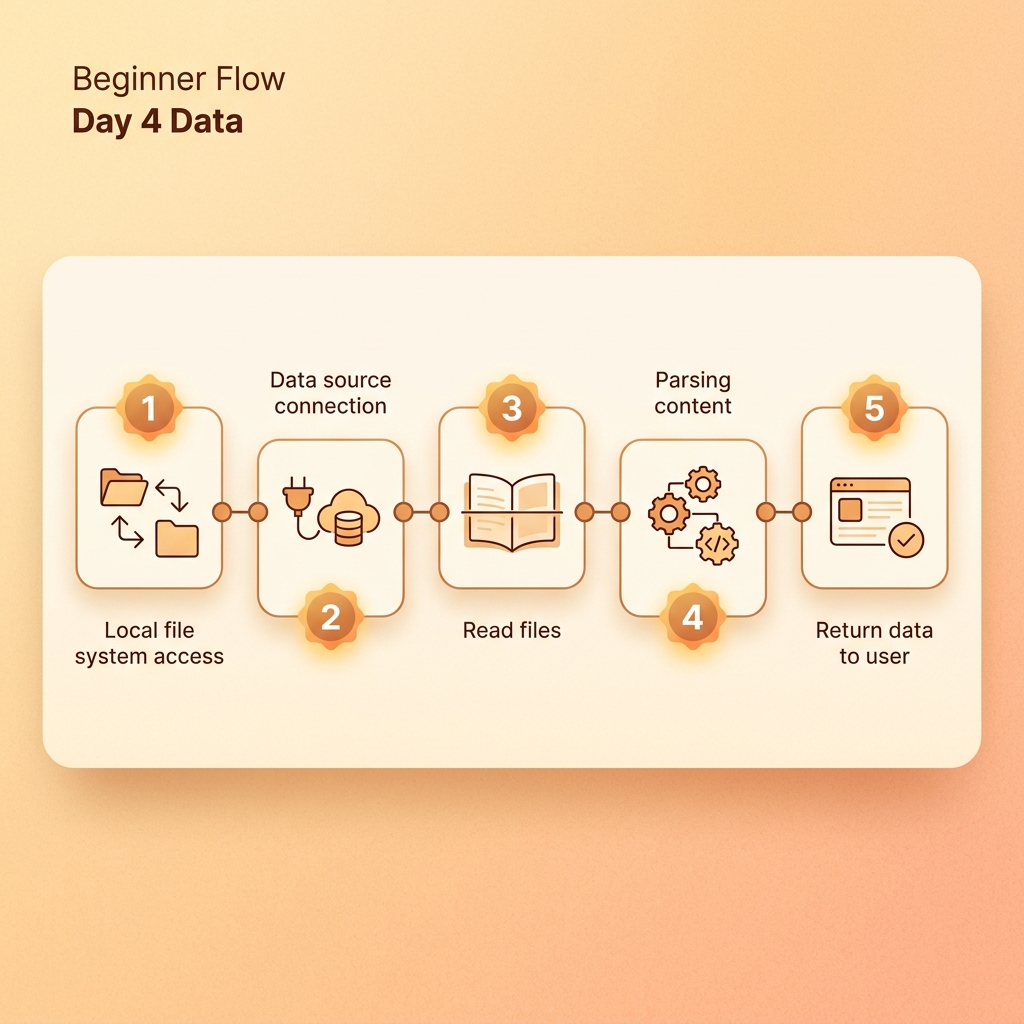
Step 1: Create a safe workbench
mkdir -p hermes-day4/raw hermes-day4/working hermes-day4/output hermes-day4/logs
touch hermes-day4/notes.md
Put original files in raw/. Do not let Hermes modify originals.
Step 2: Prepare a small input
cat > hermes-day4/raw/meeting-notes.md <<EOF
Project meeting:
- Alice will prepare deployment docs by Friday.
- Bob will inspect gateway logs next Monday.
- Do not share model keys in group chat.
EOF
Step 3: Ask for schema first
Read only hermes-day4/raw/meeting-notes.md.
Do not modify the original file.
First design a JSON schema for tasks, owner, deadline, source quote, and uncertainty.
After the schema is confirmed, write hermes-day4/output/tasks.json.
Step 4: Review output
- Does every task have a source quote?
- Are uncertain deadlines marked unknown?
- Did Hermes invent an owner?
- Did it leave raw files untouched?
Step 5: Write a log
Write hermes-day4/logs/run-001.md with:
- input file
- output file
- uncertain fields
- items requiring human review
Common Day 4 problems
- Hermes summarizes without writing a file: specify output path.
- No evidence: require
source_quote. - File is too large: test with a slice first.
- Table extraction is messy: identify fields before converting.
Leave this folder behind
hermes-day4/
  raw/meeting-notes.md
  output/tasks.json
  logs/run-001.md