Day 5: Turn Repeat Work Into a Skill
A Skill is not a fancy prompt
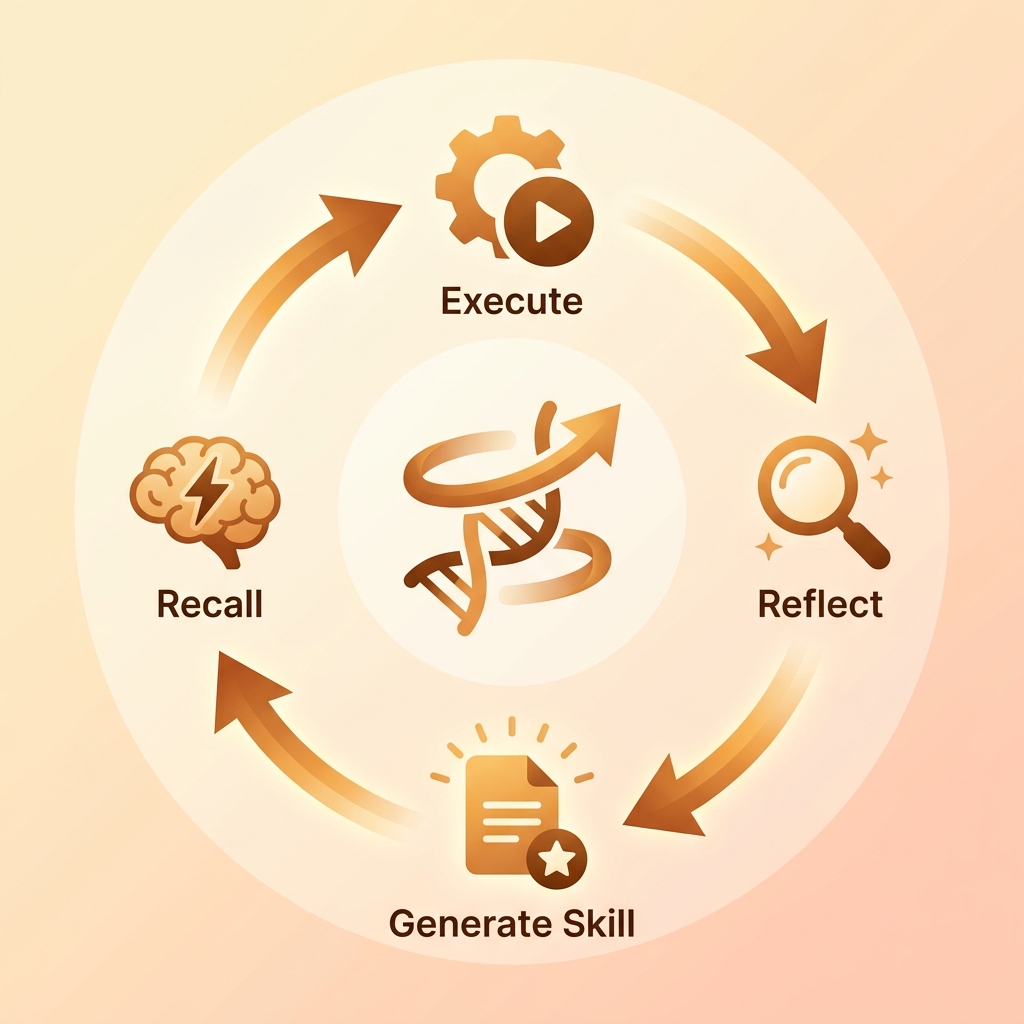
Many articles describe Hermes Skills as self-improving abilities that grow from experience. That is useful, but beginners need a simpler product idea first: a Skill productizes a repeated workflow.
If you ask Hermes to do the same class of task every week, such as preparing a weekly report, reviewing a PR, processing feedback, or drafting a public article, you should not rewrite the prompt each time. Capture the process, inputs, outputs, constraints, and acceptance criteria.
What deserves to become a Skill
Ask three questions:
- Does this task repeat?
- Do inputs look similar each time?
- Does the output have a stable acceptance standard?
If all three are yes, consider a Skill.
The Day 4 meeting-notes workflow is a good candidate. The input is meeting notes. The output is a JSON or Markdown task list. Acceptance criteria are clear.
Do not make a Skill for:
- one-off exploration;
- goals the user has not clarified;
- high-risk actions that depend heavily on judgment;
- anything created only to look advanced.
What a Skill file should contain
A good Skill can be simple, but it must be concrete:
# meeting-action-extractor

When to use:
Use this when the user provides meeting notes and wants tasks, owners, deadlines, and review flags.

Inputs:
- Markdown, transcript, or plain text meeting notes.

Output:
- A task list with owner, deadline, source quote, confidence, and needs_review.

Rules:
- Do not invent missing owners.
- Keep source_quote short.
- Mark uncertain fields as unknown.
- Ask before sending tasks to external tools.
This is not creative writing. It is an SOP Hermes can reuse instead of guessing.
MCP is a boundary, not a magic socket
MCP matters because it gives models a consistent way to call external tools. A useful three-layer mental model is:
- Perception: read files, messages, web pages, RSS, and issues.
- Decision: classify the task and choose a Skill or tool.
- Action: write files, call APIs, send messages, or generate reports.
The more tools you add, the more important the boundary becomes. Start read-only: search, repository inspection, web fetch, calendar read, issue read. Write actions come later and require approval.
Build one minimal Skill today
Turn Day 4’s data workflow into a Skill:
- Create a Skill folder.
- Write
SKILL.md. - Define when it should trigger.
- Define inputs and outputs.
- List forbidden behavior.
- Test with three samples.
- Record failure cases.
Do not start with automatic Skill generation. Hand-write one first so you learn what a good Skill looks like.
Common mistakes
- Writing a Skill as a vague inspirational prompt.
- Installing many community Skills without a workflow that needs them.
- Granting write permissions for a read-only task.
- Letting the model guess after a tool call fails.
Ship this artifact
Create hermes-day-5-skill.md:
skill_name: "meeting-action-extractor"
trigger: "meeting notes -> action items"
inputs:
  - notes.md
outputs:
  - output/tasks.json
permissions:
  - read raw files
  - write output folder
approval_required:
  - send tasks to chat
  - create external tickets
test_cases: 3
Tomorrow is automation. Only a workflow that has produced stable results manually deserves a schedule.
Next step
- Day 6: Give stable workflows a schedule - move from manual trigger to timed execution.
- Top 10 Hermes Skills - choose the first low-risk skills.
Beginner Walkthrough: Turn Day 4 Into A Skill
A Skill is an operating manual for Hermes. Today you create one minimal Skill: extract action items from meeting notes.
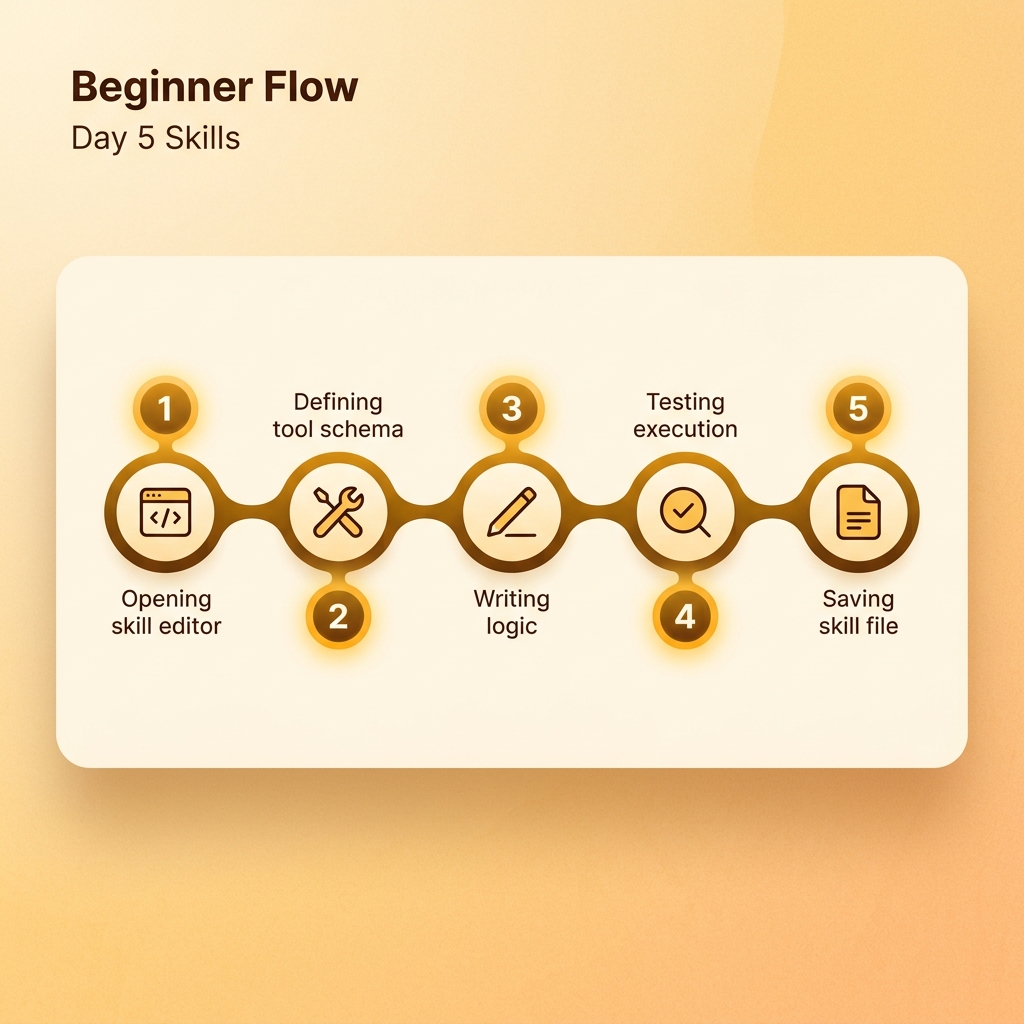
Step 1: Inspect existing Skills
hermes skills list || true
hermes skills search meeting || true
If these commands are unavailable, you can still write a SKILL.md manually.
Step 2: Create a draft folder
mkdir -p hermes-day5-skills/meeting-action-extractor
touch hermes-day5-skills/meeting-action-extractor/SKILL.md
Step 3: Write SKILL.md
# meeting-action-extractor

When to use:
- Use this when the user provides meeting notes and wants tasks.

Inputs:
- Markdown, plain text, transcript, or copied meeting notes.

Steps:
1. Read the source material.
2. Extract action items only.
3. Keep owner, deadline, source quote, confidence, and needs_review.
4. Mark missing owner or deadline as unknown.
5. Ask before sending tasks to external tools.

Output:
- JSON or Markdown task list.

Do not:
- Invent owners.
- Invent dates.
- Send externally without approval.
Step 4: Test three samples
Use one clean input, one missing owner, and one missing deadline. Ask:
Follow the meeting-action-extractor Skill for the notes below.
Step 5: Record failure cases
If Hermes does not use the Skill, improve the trigger wording and add a memory hint.
When the user asks for meeting notes to become tasks, prefer the meeting-action-extractor Skill.
Common Day 5 problems
- Skill is too vague: add inputs, steps, and output examples.
- Skill does not trigger: call it explicitly once.
- Permission is too broad: read input and write output only.
- Community Skill is suspicious: read
SKILL.mdbefore installing.
Leave this file behind
skill_name: "meeting-action-extractor"
trigger_examples:
  - "meeting notes to tasks"
  - "extract action items"
test_cases: 3
permission_level: "read input, write output, approval before external send"