Day 6: Give Stable Workflows a Schedule
Automation is not a prompt taped to cron
The strongest product examples are daily reports, website monitoring, price alerts, and backups. These are valuable not because AI is involved, but because they are repeated, low-risk, and reviewable. Hermes helps connect collection, reasoning, formatting, and delivery.
Day 6 is not about an impressive demo. It is about one workflow you might still trust tomorrow morning.

What belongs on a schedule
Good candidates:
- A weekday morning brief from GitHub issues, calendar events, and notes.
- Nightly backup of Hermes config and memory.
- Hourly website availability check.
- Weekly memory and Skill review.
- Daily digest from fixed information sources.
Bad candidates:
- Outputs that can directly harm users or customers.
- Tasks requiring fresh human judgment every time.
- Workflows that have not passed manual runs.
- Jobs where failure cannot be diagnosed.
The product rule is simple: run manually three times before giving it a schedule.
Split the workflow into four parts
Do not let one step collect data, summarize it, and send it externally. Split:
- Collect: gather raw data and save it.
- Summarize: produce a summary from the saved data.
- Deliver: send or store the final output.
- Log: record start time, end time, input path, output path, and failure reason.
This separation lets you retry delivery without collecting different data or generating a different answer.
A daily brief template
name: daily-ops-brief
trigger: "weekday 08:30"
collect:
  - github_issues
  - calendar_events
  - yesterday_notes
summarize_from: "artifacts/daily/raw.json"
deliver_to: "Feishu / Telegram / file"
approval_required: false
log_file: "logs/daily-ops-brief.log"
retry:
  collect: "no automatic retry if API auth fails"
  deliver: "retry twice, no duplicate message"
The key is summarize_from. Hermes should summarize from a saved artifact, not from a live system that changes on every retry.
Logs are a product feature
Logs are not developer decoration. They are part of the automation experience. If the morning brief does not arrive, you should be able to see:
- whether the job started;
- which inputs were read;
- which step failed;
- whether retries happened;
- whether delivery succeeded.
If the user cannot see this, automation becomes another thing to babysit.
Ship this artifact
Create hermes-day-6-automation.md:
workflow: "daily-ops-brief"
manual_runs_passed: 3
trigger: "weekday 08:30"
raw_artifact: "artifacts/daily/raw.json"
final_artifact: "artifacts/daily/brief.md"
delivery: "chat or file"
idempotency_rule: "never send duplicate message on retry"
owner: "you"
rollback: "disable schedule and run manually"
Tomorrow is multi-agent orchestration. Scheduling solves repetition; multi-agent solves parallel responsibility. Neither should exist just to look advanced.
Next step
- Day 7: Multi-agent is division of labor, not group chat - split responsibilities, not noise.
- 5 AI Workflow Automation Recipes - choose your next scheduled workflow.
Beginner Walkthrough: Hand One Stable Job To The Background
Automation does not start with cron. Beginners first learn to run a background task and send the result to a known place.
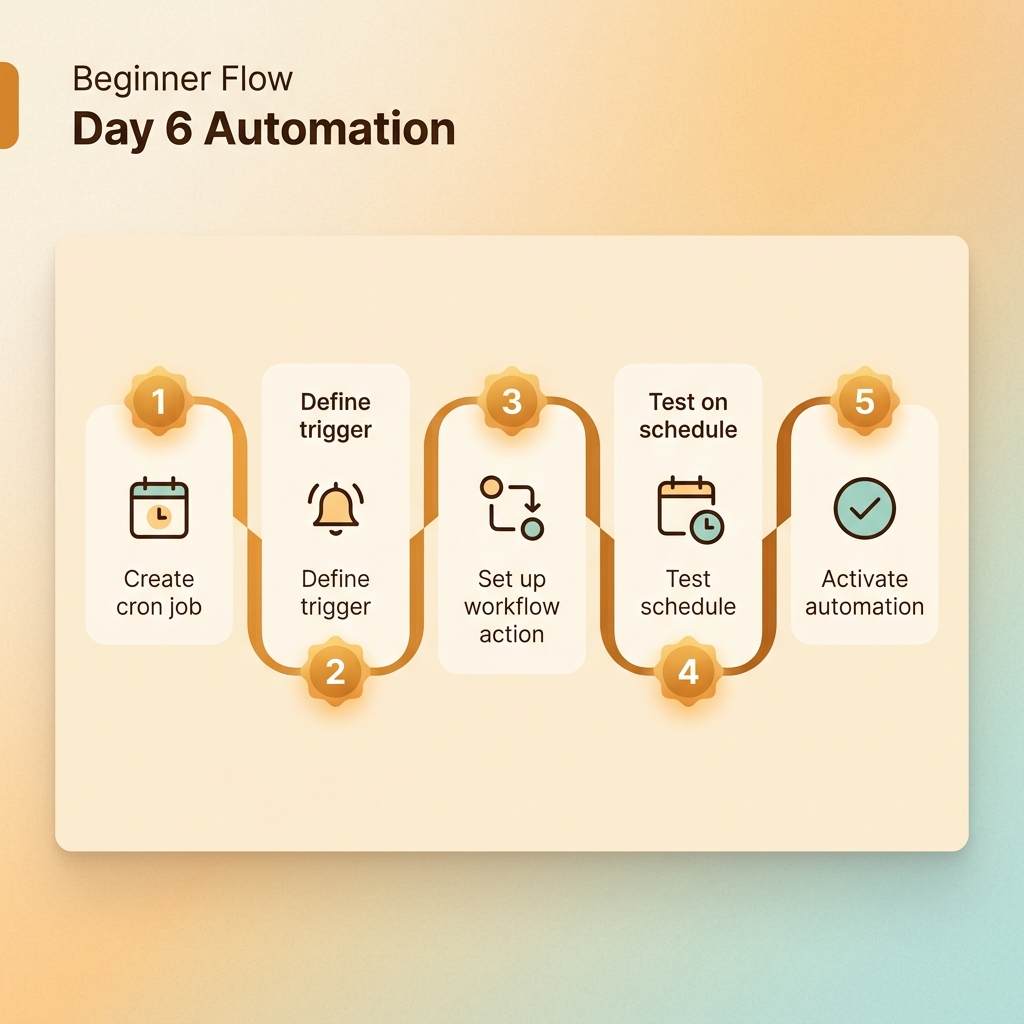
Step 1: Pick a low-risk task
- Summarize local notes into one page.
- Review memory files for duplicates.
- Turn fixed sources into a draft.
Do not start with group messages, file deletion, or external tickets.
Step 2: Run manually three times
Read hermes-day4/raw/meeting-notes.md.
Write a one-page brief to hermes-day6/output/daily-brief.md.
Do not send externally.
Step 3: Set home chat if using messaging
/set-home
Step 4: Use a background task
/background Summarize hermes-day4/raw/meeting-notes.md and write hermes-day6/output/daily-brief.md. Do not send externally.
Step 5: Create a run card
workflow: "daily-brief"
manual_runs_passed: 3
input: "hermes-day4/raw/meeting-notes.md"
output: "hermes-day6/output/daily-brief.md"
delivery: "file first, chat later"
approval_required:
  - send to group
  - delete source file
  - create external ticket
logs: "~/.hermes/logs/gateway.log"
Common Day 6 problems
- Background task is silent: check home chat, gateway status, and logs.
- Output changes every run: save raw input and summarize from that artifact.
- Automation is noisy: improve the format before widening scope.
- Want OS cron: wait until manual and background runs are stable.
Leave this folder behind
hermes-day6/
  output/daily-brief.md
  run-card.yaml
  logs/run-001.md